
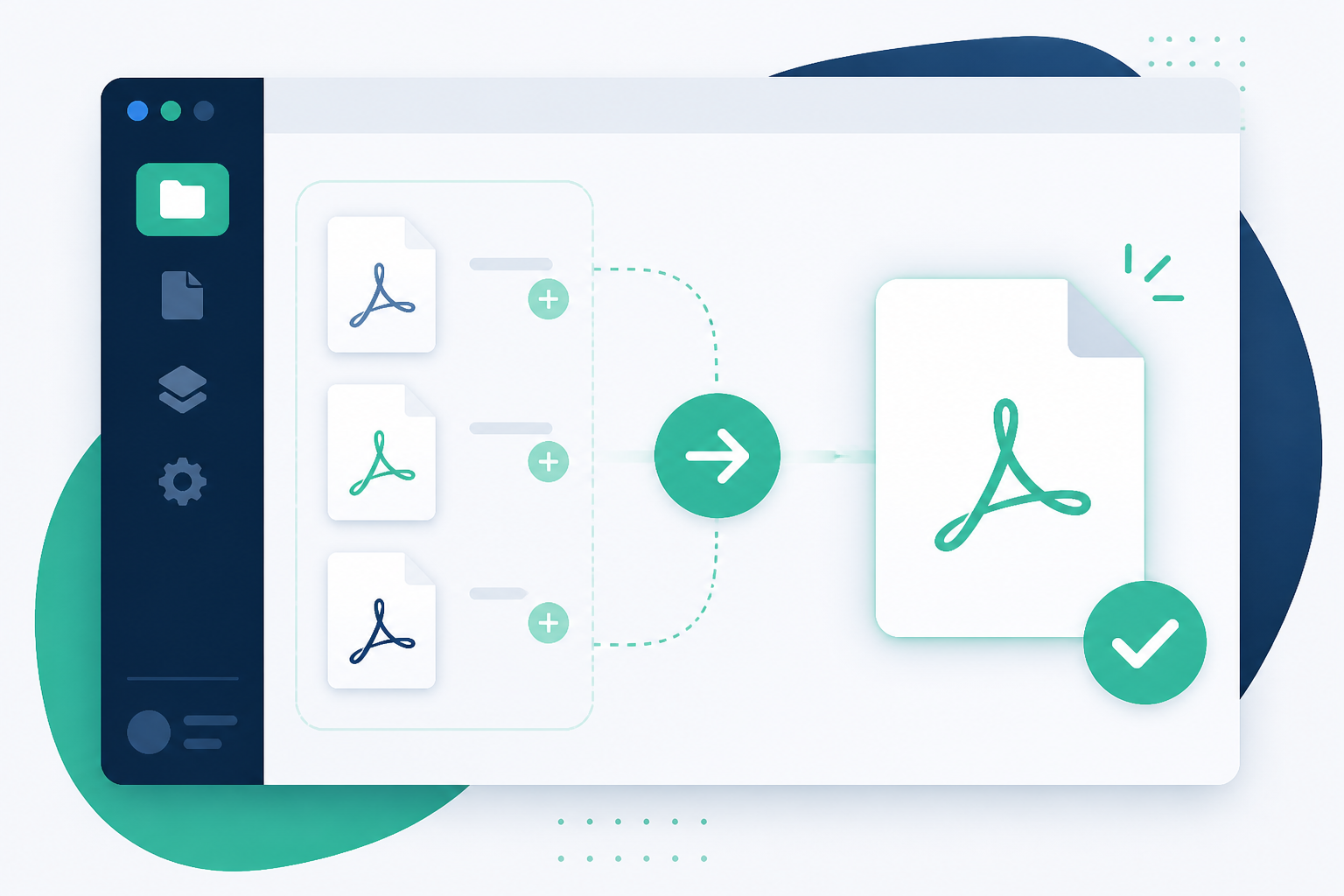
 Grab your free PDF Merge Kit trial
Looking to escape the Adobe Acrobat subscription? Discover the best offline and affordable ways to merge your PDF documents securely on Windows.
Adobe Acrobat has long been the industry standard for document management, but for many users, the high monthly subscription cost is a significant barrier. If all you need to do is combine several documents into one, paying $15 to $20 every single month feels excessive. Fortunately, you don't need a Creative Cloud subscription just to organize your files.
In this guide, we will explore the most efficient ways to merge PDFs without Adobe Acrobat, focusing on privacy-first tools, built-in system features, and affordable one-time payment alternatives that keep your documents safe and your wallet full.
The Problem with the Subscription Model
The shift toward Software as a Service (SaaS) means that basic tasks—like joining two PDF pages—now require a recurring fee. For small business owners, students, or freelancers, these costs add up. Beyond the price, there is the issue of software bloat; Adobe Acrobat is a heavy application that consumes significant system resources for features many people never use.
Method 1: Use an Offline Desktop App (The Best Balance)
For most Windows users, the ideal solution is a dedicated desktop application that doesn't require a subscription. This is where tools like PDF Merge Kit come into play. Unlike web-based tools, a desktop app processes your files locally on your machine.
Why Local Processing Matters
When you use "free" online converters, you are uploading your sensitive data to a third-party server. If you are handling bank statements, legal contracts, or medical records, this is a major security risk. An offline tool ensures that your data never leaves your computer.
PDF Merge Kit offers a clean, distraction-free interface specifically designed for merging and reordering pages. Instead of a monthly bill, it uses a one-time purchase model ($9.99), making it a professional yet affordable alternative to Acrobat.
Method 2: Browser-Based Merging (For Non-Sensitive Files)
If you are working with non-sensitive information and have a stable internet connection, browser-based tools are a quick fix. Websites like SmallPDF or ILovePDF allow you to drag and drop files to combine them.
The Trade-offs of Online Tools
- Privacy: Your files are stored on their servers temporarily.
- File Size Limits: Many free tiers limit the number of files or total megabytes you can process.
- Queue Times: During peak hours, free users often have to wait for their files to process.
- Internet Dependency: You cannot work if you are offline or have a weak signal.
Method 3: Using Open-Source Software
For those who are tech-savvy and don't mind a slightly more complex user interface, open-source tools like PDFSam (PDF Split and Merge) are a viable option. The basic version is free and allows for simple merging and splitting. While it lacks the polished UX of modern Windows 10/11 apps, it gets the job done without a subscription.
How to Choose the Right Tool for Your Workflow
When deciding how to merge your PDFs without Acrobat, consider these three factors:
1. Security Requirements
Ask yourself: "Would I be comfortable with a stranger seeing this document?" If the answer is no, avoid online converters. Stick to offline tools that keep your data on your local hard drive.
2. Frequency of Use
If you merge documents once a year, a free online tool might suffice. However, if you manage invoices, reports, or school assignments weekly, a dedicated app like PDF Merge Kit saves time by allowing you to reorder pages and rename the output file in a single workflow.
3. Ease of Use
Adobe Acrobat is famously cluttered with menus. Look for an alternative that offers a simple "Add Files > Reorder > Merge" process. A good tool should allow you to see thumbnails of your pages so you can ensure the layout is correct before you hit save.
The Hidden Cost of "Free" Tools
It is important to remember that many "free" PDF tools monetize your usage through heavy advertising or by selling aggregated data. By choosing a low-cost, one-time payment app, you are opting for a cleaner experience without the hidden tracking or annoying pop-ups.
Conclusion
You don't need to be tethered to an Adobe subscription to manage your documents professionally. Whether you choose an open-source tool, a browser-based utility for quick tasks, or a dedicated offline app, there are plenty of ways to get the job done efficiently.
If you're looking for a simple, secure, and affordable way to handle your documents on Windows, try PDF Merge Kit. It offers a free 7-day trial so you can see how easy it is to merge and reorder pages offline. After that, a single $9.99 payment gives you lifetime access—no subscriptions, no cloud uploads, just privacy-first productivity.
PDF Merge Kit — built for Windows power users
One tool to merge, sort and rename PDFs without uploading anything online.