
 Free 7-day trial — PDF Merge Kit for Windows
Learn how to build professional property listing packets by efficiently merging floor plans, disclosures, and photos into a single, organized PDF file.
In the fast-paced world of real estate, presentation is everything. When you are representing a property, sending a client six different email attachments—a floor plan, a lead-paint disclosure, a tax map, and three pages of photos—looks disorganized. To provide a seamless experience for buyers and cooperating brokers, real estate professionals need to deliver a single, cohesive property listing packet. Combining these disparate documents into one file not only looks more professional but also ensures that critical information doesn't get lost in a crowded inbox.
The Anatomy of a Perfect Property Listing Packet
A high-quality listing packet serves as the comprehensive biography of a home. For real estate agents, the ability to merge PDF files quickly is about more than just convenience; it is about brand consistency and clarity. A standard packet should generally follow a logical order to keep the reader engaged.
Essential Documents to Include
- Cover Page: A high-resolution hero shot of the property with the address and your contact details.
- MLS Sheet: The core data including price, acreage, and room counts.
- Property Disclosures: Legally required documents that must be signed or reviewed by the buyer.
- Floor Plans and Surveys: Visual layouts that help buyers visualize the space.
- Upgrade Lists: A summary of recent renovations, roof age, or HVAC updates.
- Local Area Info: Maps, school ratings, or utility averages.
Why Real Estate Professionals Should Avoid Online PDF Tools
Many agents reach for the first "Free PDF Merger" they find on Google. However, in the real estate industry, data privacy is a significant concern. Many online tools require you to upload your documents to their servers. When you are handling sensitive information—such as seller signatures, private contact details, or unredacted tax documents—uploading that data to a third-party cloud is a liability.
Processing your documents offline on your local Windows machine ensures that your client's data stays on your hard drive. Using a tool like PDF Merge Kit allows you to perform these actions without an internet connection, providing a layer of security that web-based alternatives simply cannot match.
Step-by-Step: Building Your Listing Packet on Windows
Creating a professional packet doesn't require expensive, bloated software. Here is the most efficient workflow for a busy agent:
1. Gather Your Assets
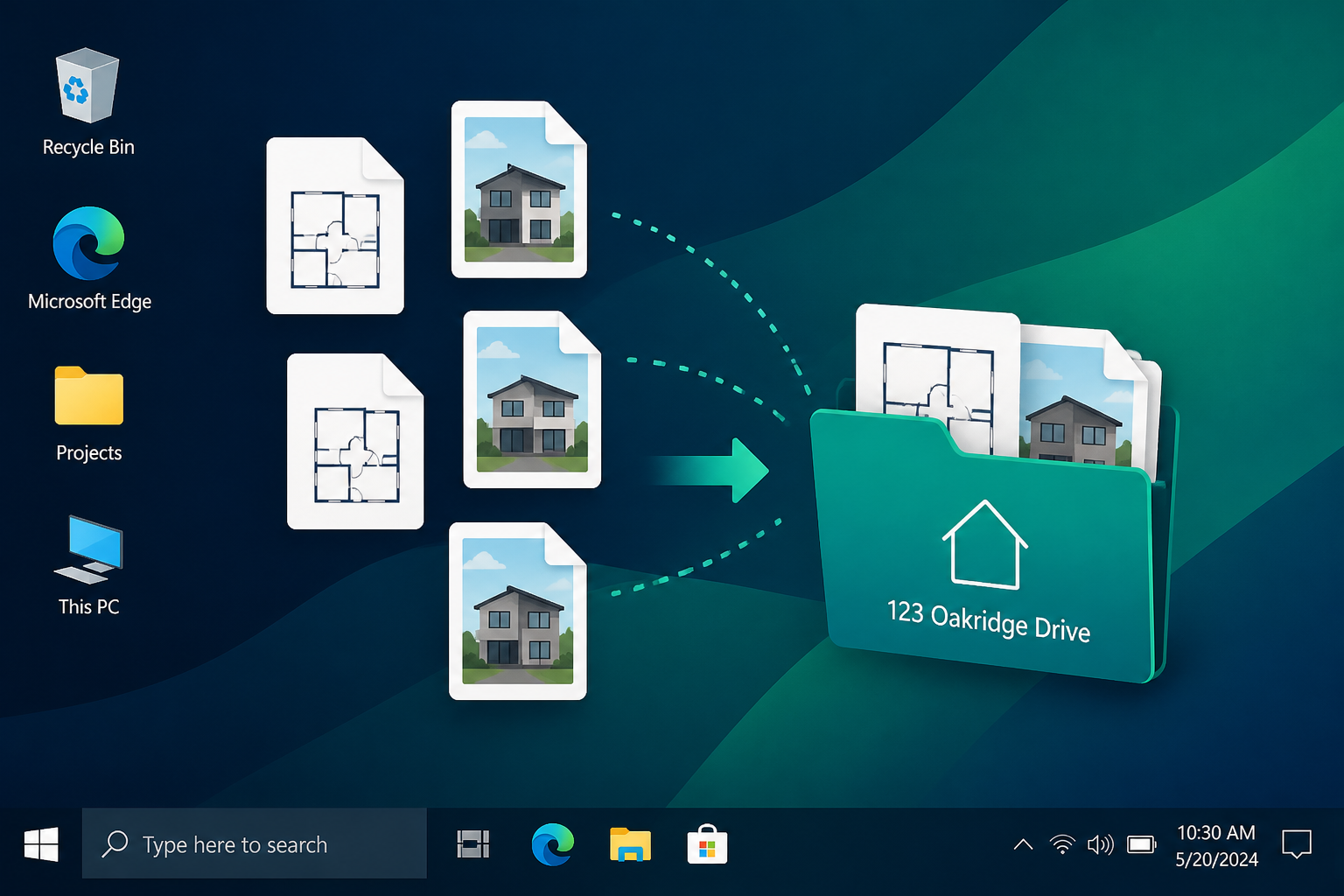
Start by placing all the documents you need for a specific property into one folder on your desktop. This includes your exported PDF from the MLS, scanned disclosure forms, and any image files of floor plans.
2. Organize and Reorder
Once you open your files in a dedicated merger tool, the sequence is vital. You don't want the tax map to appear before the house photos. Look for a tool that offers a visual interface where you can drag and drop pages to change their order. In PDF Merge Kit, you can easily see the sequence and swap pages around until the flow of the document feels natural for a prospective buyer.
3. Smart Naming Conventions
Don't send a file named final_version_2_merged.pdf. Professionalism extends to the file name. Use a standard format like 123-Main-St-Property-Packet.pdf. A good PDF utility will let you name the output file immediately after merging, saving you the extra step of finding the file in File Explorer to rename it.
Handling High-Resolution Photos and Large Files
Real estate listings rely heavily on visuals. However, high-resolution photos can make a PDF file too large to email. When merging your packet, ensure your tool handles image-heavy PDFs without crashing or significantly degrading the quality of the floor plans. If the resulting file is still too large for a standard email attachment (typically 20MB-25MB), you may need to use a cloud storage link, but the document itself should still be a single, unified file.
Enhancing Your Workflow with PDF Merge Kit
For Windows users who need a reliable, no-nonsense solution, PDF Merge Kit is designed specifically for tasks like this. It is a privacy-first desktop application that works entirely offline. You don't have to worry about your listing disclosures being stored on a server in another country.
With PDF Merge Kit, you can add your files, reorder the pages with a simple interface, and save your new property packet in seconds. There are no recurring subscriptions—just a simple, one-time purchase that fits perfectly into a professional agent's toolkit.
If you want to try it out for your next listing, you can download the 7-day free trial and see how much time you save on your document preparation. After that, it is just a one-time payment of $9.99 to keep your workflow fast, professional, and secure.
The smarter way to merge PDFs on Windows
Merge with confidence — no cloud uploads, no subscriptions, just fast offline control.